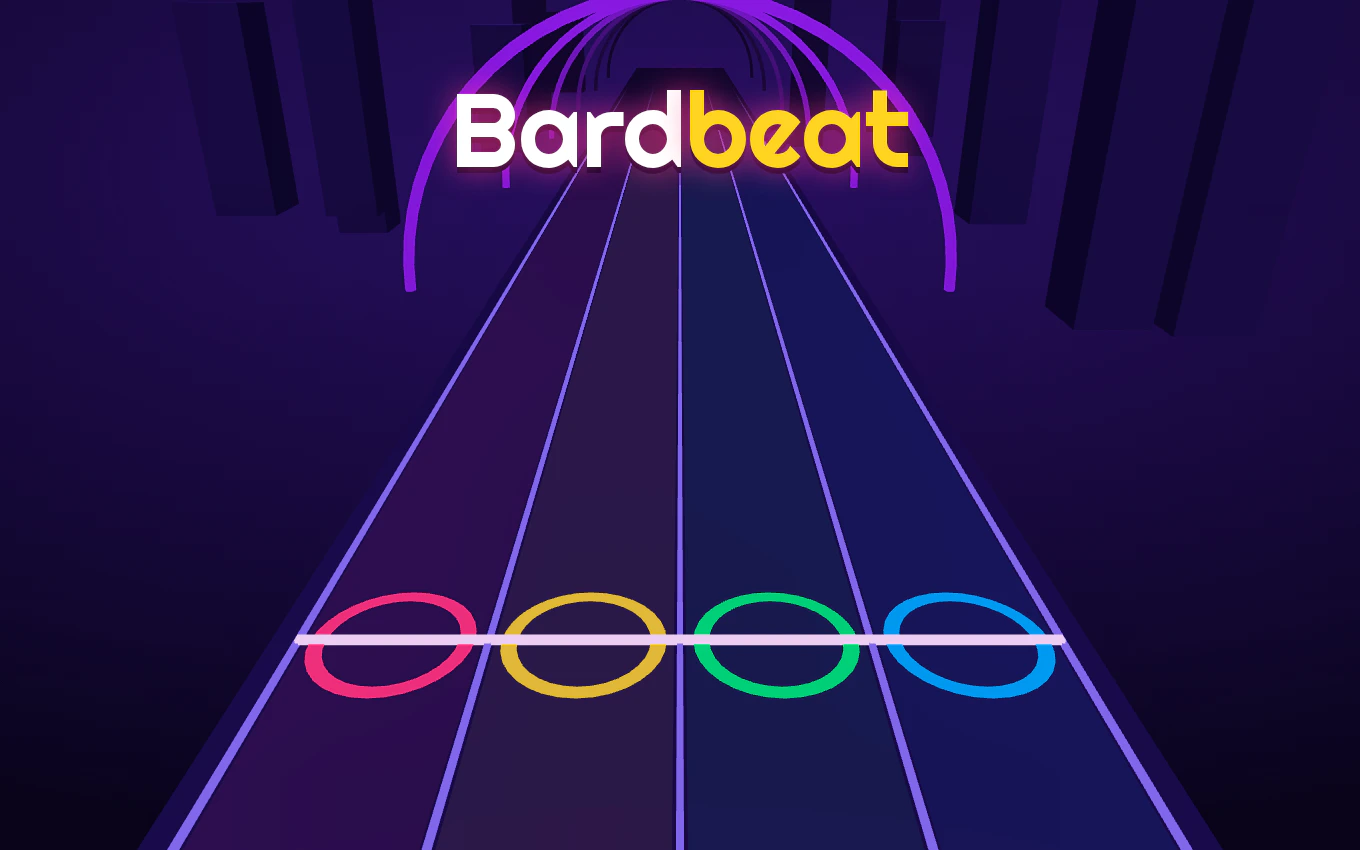
What is Bardbeat?
Bardbeat is a free browser rhythm game about a tavern bard who has one job: keep the room clapping. Runes carrying notes slide across the screen toward a single gold line, and every rune you hit in time adds to the crowd's energy. Miss, and the room goes quiet on you. The game was made by suedogaming and released on 3 November 2026; you can play Bardbeat right here in this page, inside the GamePix player, with no download and no account.
What makes Bardbeat different from the pile of one-button rhythm games is how the music is built. Each song's drums, bass and chords are separate parts that the game layers in as you keep the beat. Hold a clean streak and the track fills out under your fingers; drop the combo and you hear the arrangement thin back down. That is why Bardbeat sounds like a band reacting to you rather than a fixed backing track you are trying to keep up with.
How to play Bardbeat
- Press Play Bardbeat on the cover above. The cover is replaced by a short loading screen, and the game opens in the same spot on the page.
- Press the start button inside the player. The GamePix player has its own start key and a cookie notice, so the first click after loading belongs to them, not to this page. After that, Bardbeat takes over your keyboard and screen.
- Read the line, not the runes. Watch the gold judgement line and let the runes come to it. Chasing the runes as they spawn is the single most common reason people miss early on in Bardbeat.
- Tap on the beat and release clean. Hitting a rune a hair late still counts, but dragging on it costs you the next note behind it.
- Finish the song to unlock the next tempo. Bardbeat speeds up as you clear songs, and the fast versions are where the score actually lives.
Bardbeat controls
On a phone or tablet you tap the rune lanes with your thumbs; the layout in Bardbeat's vertical mode is built for two-handed play, so hold the device in landscape if the lanes feel cramped. On a laptop or desktop you can play Bardbeat with the mouse, and keyboard input works too if you prefer keys to clicking. Sound is part of the game, not decoration — the runes land on musical hits, so silence makes Bardbeat much harder than it needs to be. Turn the volume up before your first song, and use the game's own mute control if you are somewhere you cannot make noise.
Why you keep dropping the combo in Bardbeat
Almost everyone's first three runs in Bardbeat end the same way: a clean opening, then a wall of missed runes around the chorus. Three things cause it, and none of them are about being bad at rhythm games.
- You are looking at the wrong place. Your eyes follow new runes as they appear at the far edge. Look at the gold line instead and let everything else approach it.
- You are tapping early to be safe. An early hit in Bardbeat feels better than a late one but breaks the streak just the same. Aim for the line, not before it.
- You are not hearing the bass. The low end is what carries the pulse. Once you lock onto the bass line, the rune spacing stops looking random.
Bardbeat tips that actually move your score
- Warm up on a cleared song. A song you already know gets your hands in time before you touch something new in Bardbeat.
- Protect the crowd energy. A long streak is worth far more than a few risky hits. When the arrangement gets busy, play the notes you can hear and let the uncertain ones pass rather than flailing at all of them.
- Practise the chorus only. Most of the runes in a Bardbeat song sit in the last third. Restart the song and treat everything before the chorus as a warm-up.
- Do not fight the speed-up. When Bardbeat gets faster, tighten your motion instead of tapping harder. Big arm movements are what put you off the line.
- Mute nothing on the first pass. Learn the song with sound, then replay it muted once you know the pattern — reading the runes alone is a good check on whether you actually know the timing.
How to get three stars in Bardbeat
Three stars in Bardbeat come from accuracy across the whole song, not from a great opening or a lucky final run. If you are finishing songs with a strong start and a messy ending, you are losing stars to accumulated misses, not to a lack of speed. The fix is boring and it works: replay the same song three or four times, resist the urge to jump to a new one, and watch where your streak breaks. Most players find two or three specific passages in each Bardbeat song are responsible for nearly all their misses. Clear those, and the third star usually shows up on the next run.
Does Bardbeat save your progress?
Bardbeat itself keeps your unlocked songs and star ratings, but it does not ask you to make an account, so your progress lives in the browser you played in. Clear your site data or switch devices and you start again from the first song. If progress matters to you, play Bardbeat in the same browser on the same device rather than bouncing between phone and laptop.
Can you play Bardbeat in fullscreen?
The Fullscreen button under the player puts the game across your whole display, which helps a lot on a small laptop screen because the runes get bigger. Exit with Escape. On mobile, fullscreen depends on the browser — Chrome and Safari both support it, but some in-app browsers (the ones inside social apps) do not, and in those the game simply stays in the page frame.
If Bardbeat will not load
A blank player in Bardbeat is almost always one of three things: an ad blocker or privacy extension cutting off the GamePix player, a browser that has not been allowed to load third-party frames, or a slow connection still fetching the game. Reload the page once, allow the player's domain in your blocker, and give it a few seconds. If the loading screen sits there forever, opening this page in Chrome or Safari rather than an in-app browser solves it the vast majority of the time.
Bardbeat FAQ
Is Bardbeat free to play?
Yes. Bardbeat is free to play in the browser, with no sign-up and no payment. The game is served by GamePix, which shows ads around the player.
Do I need to download Bardbeat?
No. Bardbeat runs entirely in the player embedded on this page — there is no install, no store listing to visit, and nothing to unzip.
Can I play Bardbeat on my phone?
Yes, and Bardbeat plays well on phones. Tap the runes with your thumbs, landscape is more comfortable for two-handed play, and use the Fullscreen button to get more room.
Why does Bardbeat get harder after the first song?
Each song you clear in Bardbeat raises the tempo. The later versions use the same note patterns at a faster speed, so a song you found easy at the start will feel different once you come back to it.
Can I mute Bardbeat?
The game has a mute control in the player. Sound makes Bardbeat considerably easier, so save muted runs for songs you already know.
Does Bardbeat work offline?
No. Bardbeat is streamed from the GamePix player, so you need a connection while you play.
Who made Bardbeat?
Bardbeat was developed by suedogaming and released on 3 November 2026 on GamePix. All game art, music and trademarks belong to their creators; this page is an independent player's guide, not the official site.